
How to Complete WishKing Registration
Account creation takes a few steps, all completed on this page.
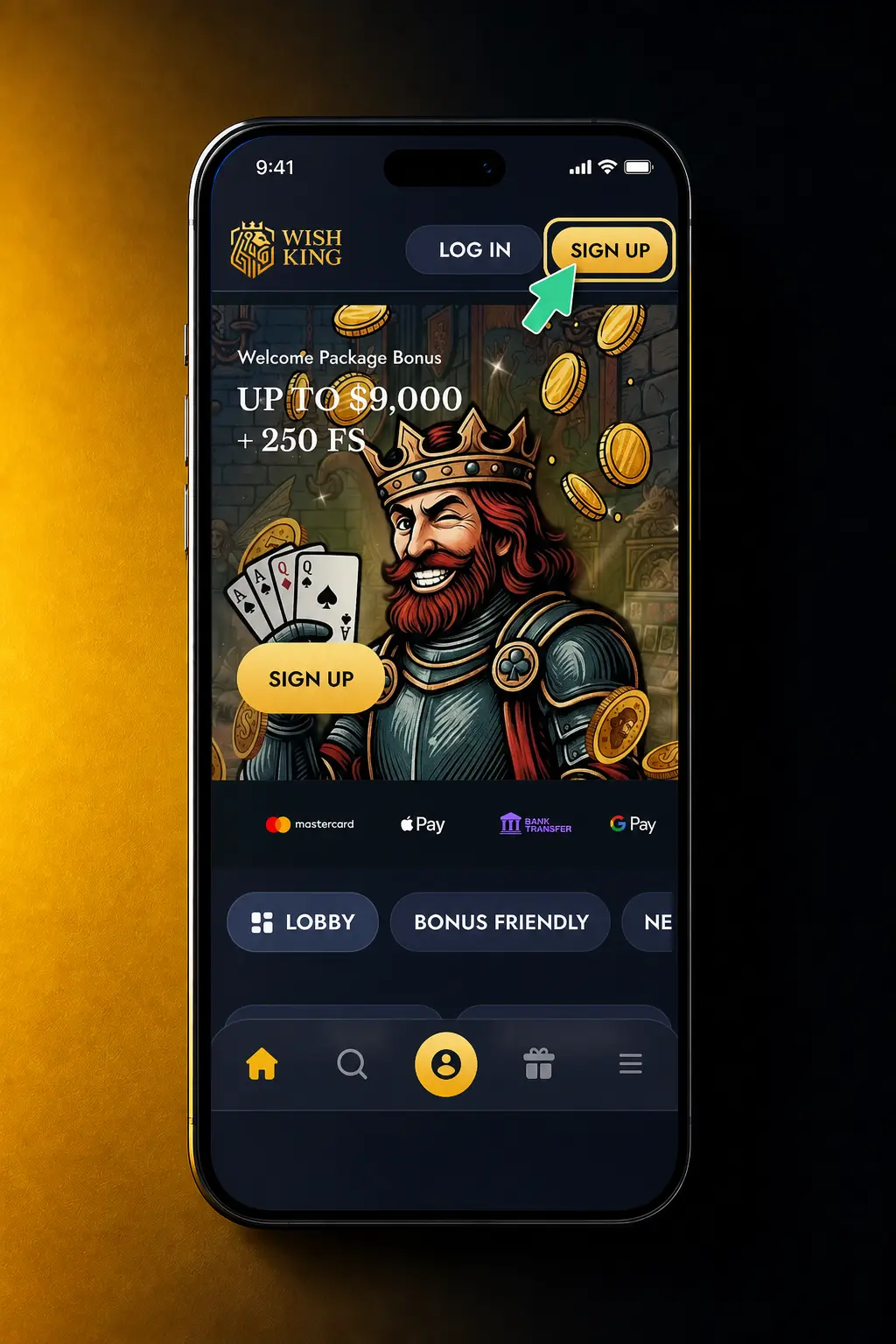
1. Click Register
Select the Register button on this page to open the sign up form.
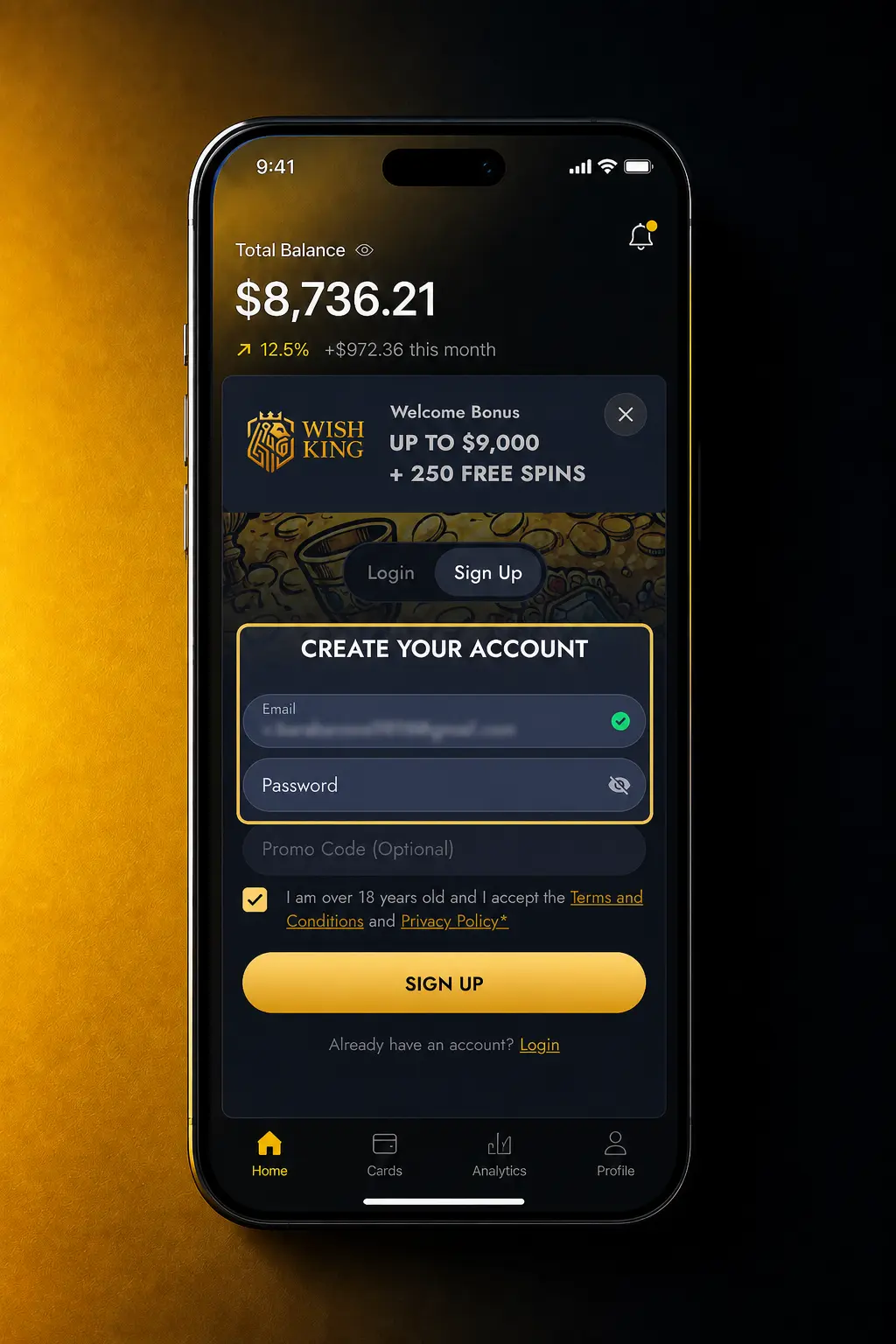
2. Enter Your Details
Provide your email address, mobile number, and a secure password.
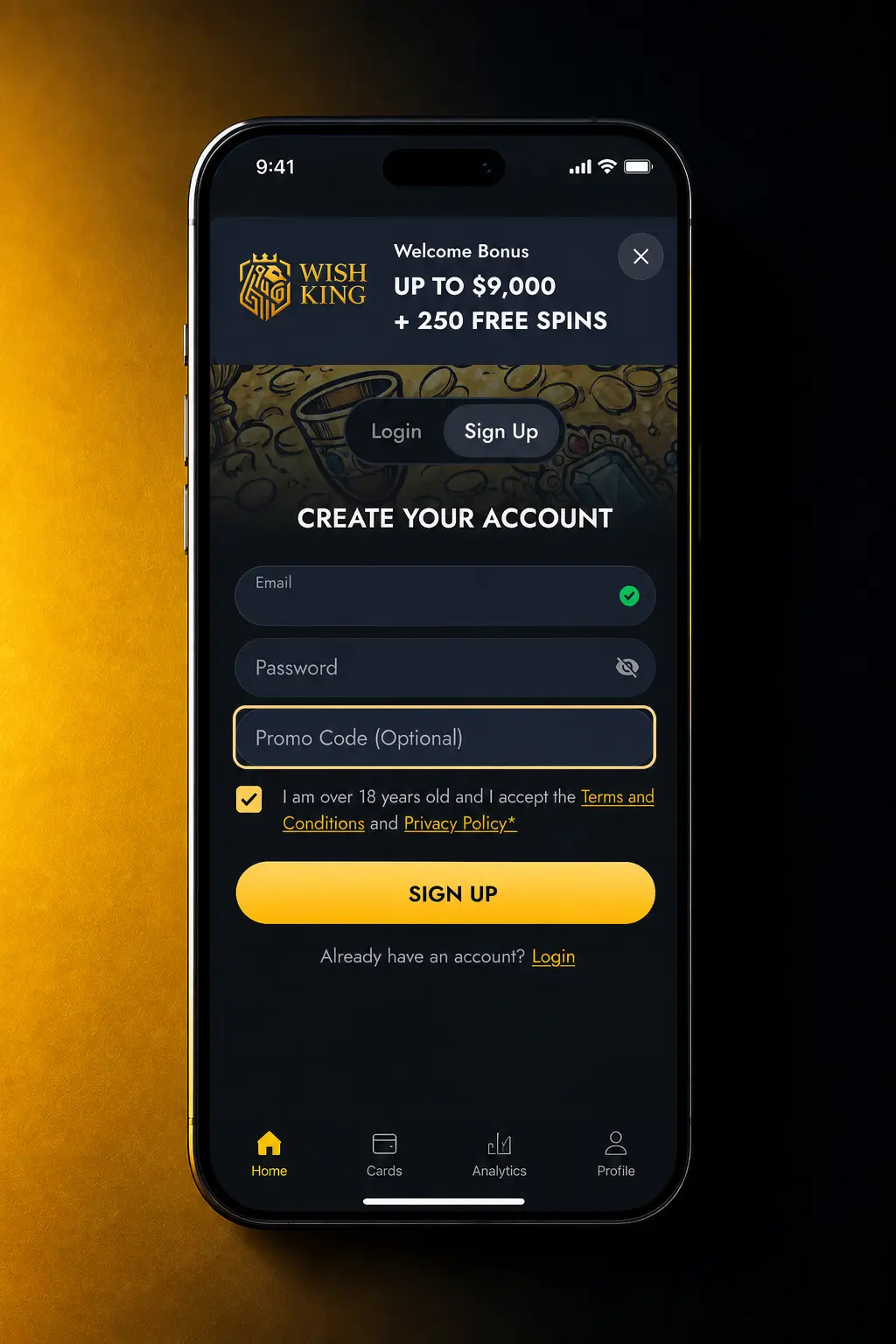
3. Choose Your Currency
Pick your preferred currency, such as USD, EUR, or CAD, from the dropdown.
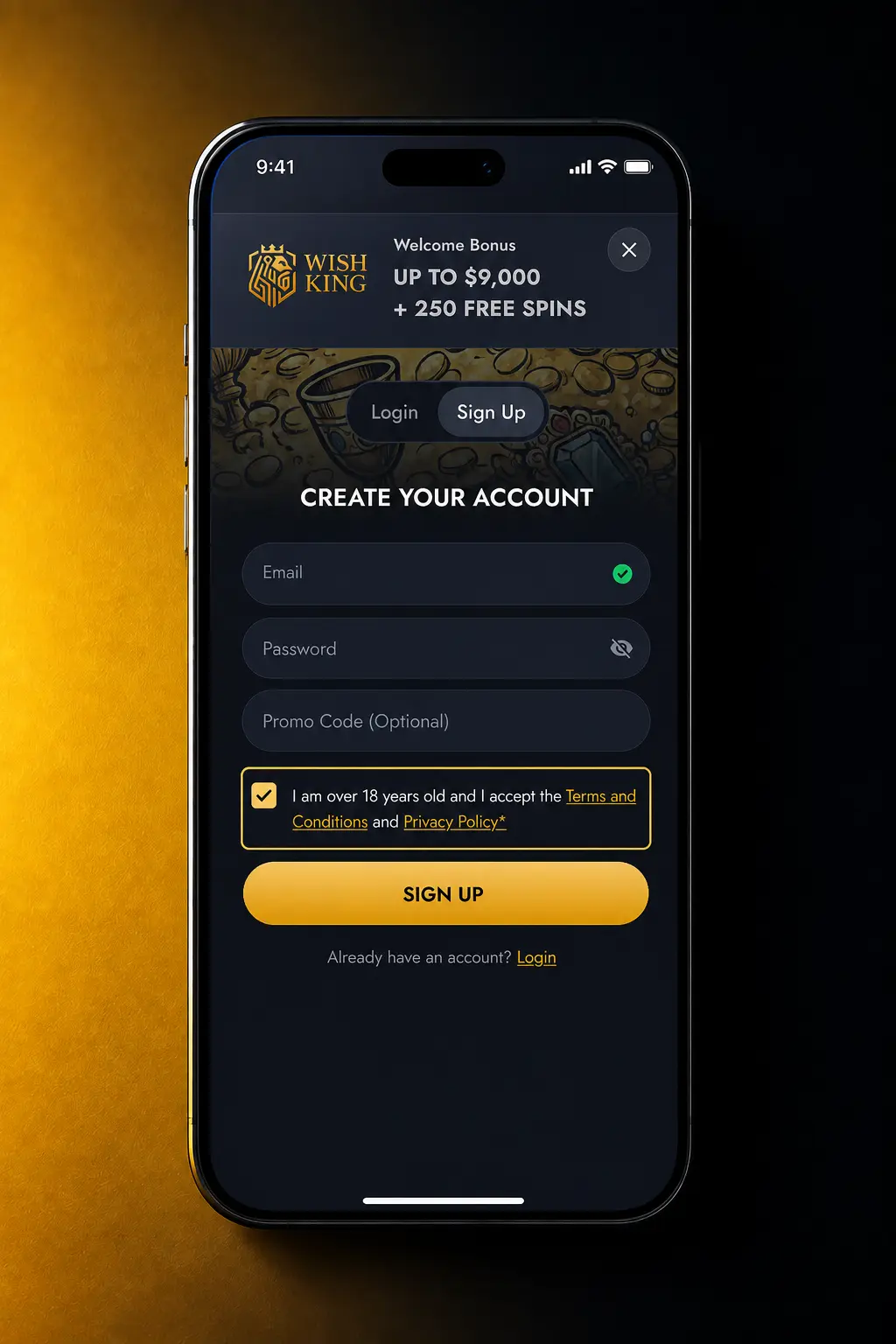
4. Accept the Terms
Confirm you are 18 or older and accept the terms and conditions.
5. Confirm Your Account
Enter the code sent to your email or phone to activate your account.
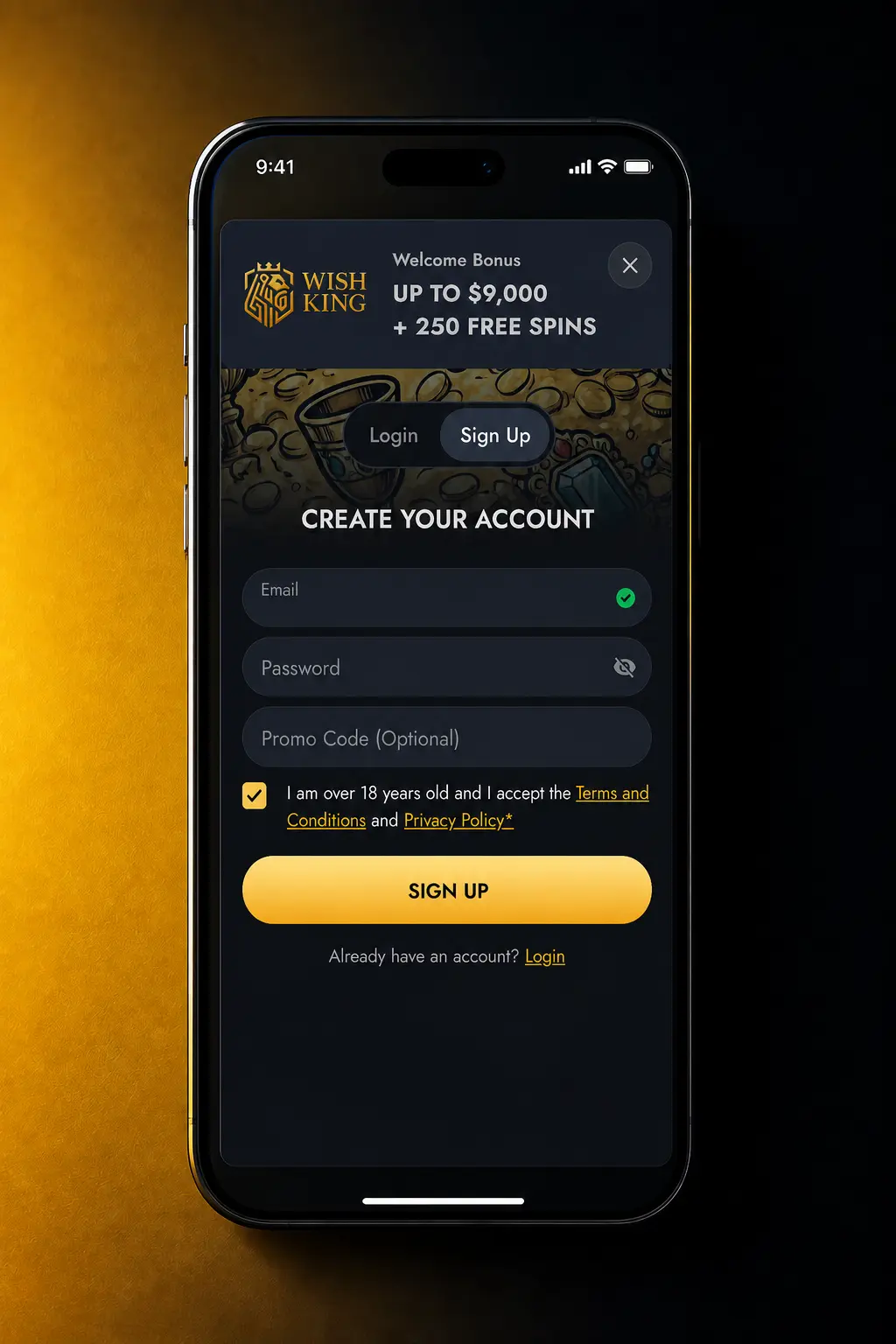
Sign Up Through the WishKing Mobile App
The app follows the same registration fields as the website, adjusted for a smaller screen. Complete these steps once the app is installed on your device.
- Open the app and tap Register on the home screen.
- Choose a method: email, mobile number, or a social account such as Google or Facebook.
- Fill in your personal details and set a password.
- Confirm you are 18 or older and accept the terms.
- Enter the code sent by SMS or email to verify your account.
WishKing Account Registration Requirements
Every player must meet a short list of conditions before opening an account. These rules keep the platform compliant and protect your funds during verification. Your personal details must match the ID document you submit later. Accounts that break these rules face suspension or closure.
- The minimum age for registration is 18.
- One account is allowed per person, household, and payment method.
- Personal information must match a valid ID issued by the government.
- Verification documents must be submitted within 30 days of your first withdrawal request.
- Players under self-exclusion or other restrictions cannot register a new account.
How WishKing Account Verification Works
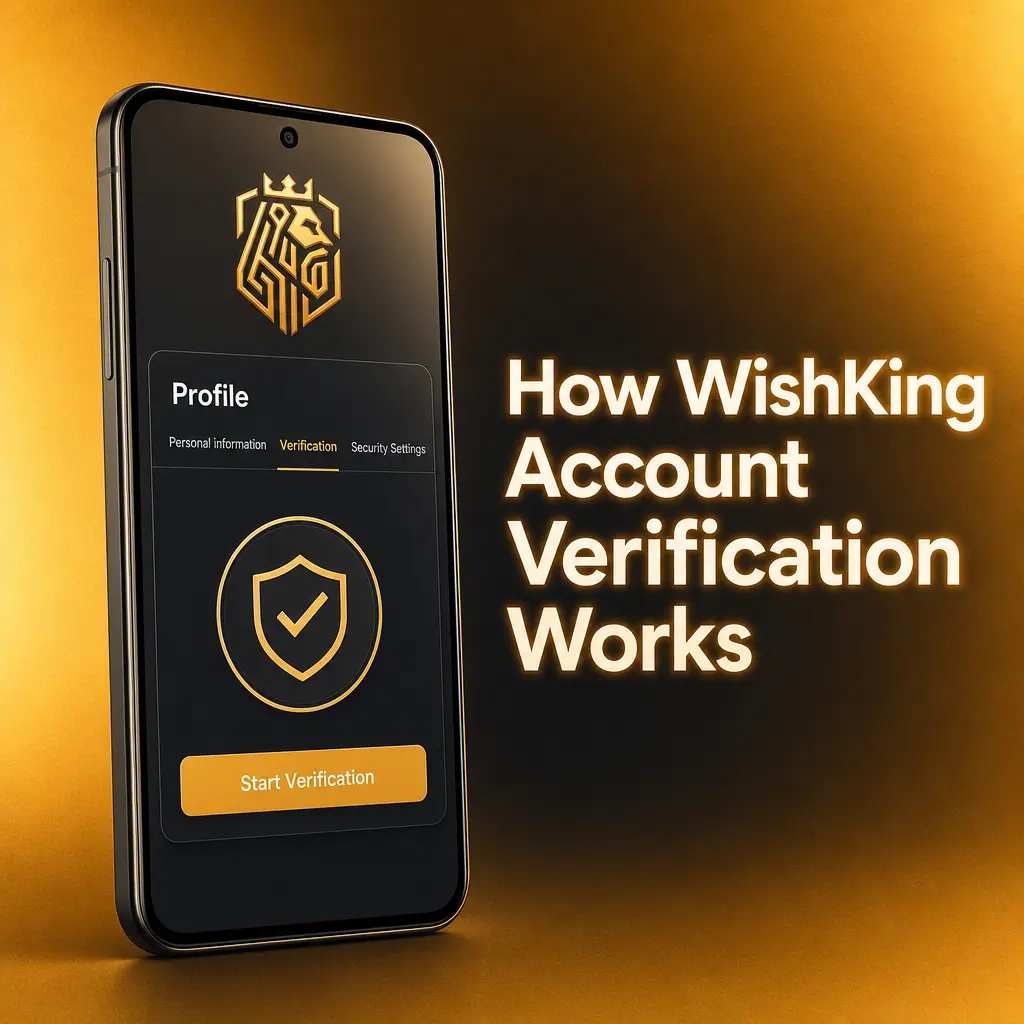
Verification confirms your identity and protects your account from unauthorized access. It also meets regulations designed to prevent money laundering, standard among licensed operators. Completed verification allows you to withdraw funds and claim bonus offers without delay.
- Email and Phone Confirmation: verify the code sent during registration.
- Identity Check: upload an ID issued by the government, such as a passport or driver’s license.
- Address Confirmation: submit a utility bill or bank statement dated within the last 3 months.
- Payment Method Verification: confirm ownership of the card or digital wallet used for deposits.
- Final Review: the compliance team completes the check within 24 hours.
WishKing Login and Sign In Steps
Your WishKing account login uses the same credentials on the website and the app.
- Click Login: select the Login button on the homepage or in the app.
- Enter Your Credentials: type your registered email or phone number and password.
- Confirm Extra Security: enter the additional code if extra verification is active on your account.
- Access Your Account: reach your casino lobby and sports betting markets right away.
WishKing Welcome Bonus for New Players

New players receive a 100% match on their first deposit, up to 1,500 USD, plus 100 free spins. The offer splits across casino and sportsbook products so you can use it on slots or on match betting.
| Product | Bonus | Minimum Deposit | Wagering Requirement |
|---|---|---|---|
| Casino | 100% up to 1,500 USD | 20 USD | 35x bonus amount |
| Sportsbook | 100% up to 1,500 USD | 20 USD | 5x bonus amount at odds of 1.80 or higher |
| Free Spins | 100 FS on selected slots | included with qualifying deposit | 35x winnings from spins |
Claim Your WishKing Welcome Bonus
The bonus claim takes a few extra steps after registration.
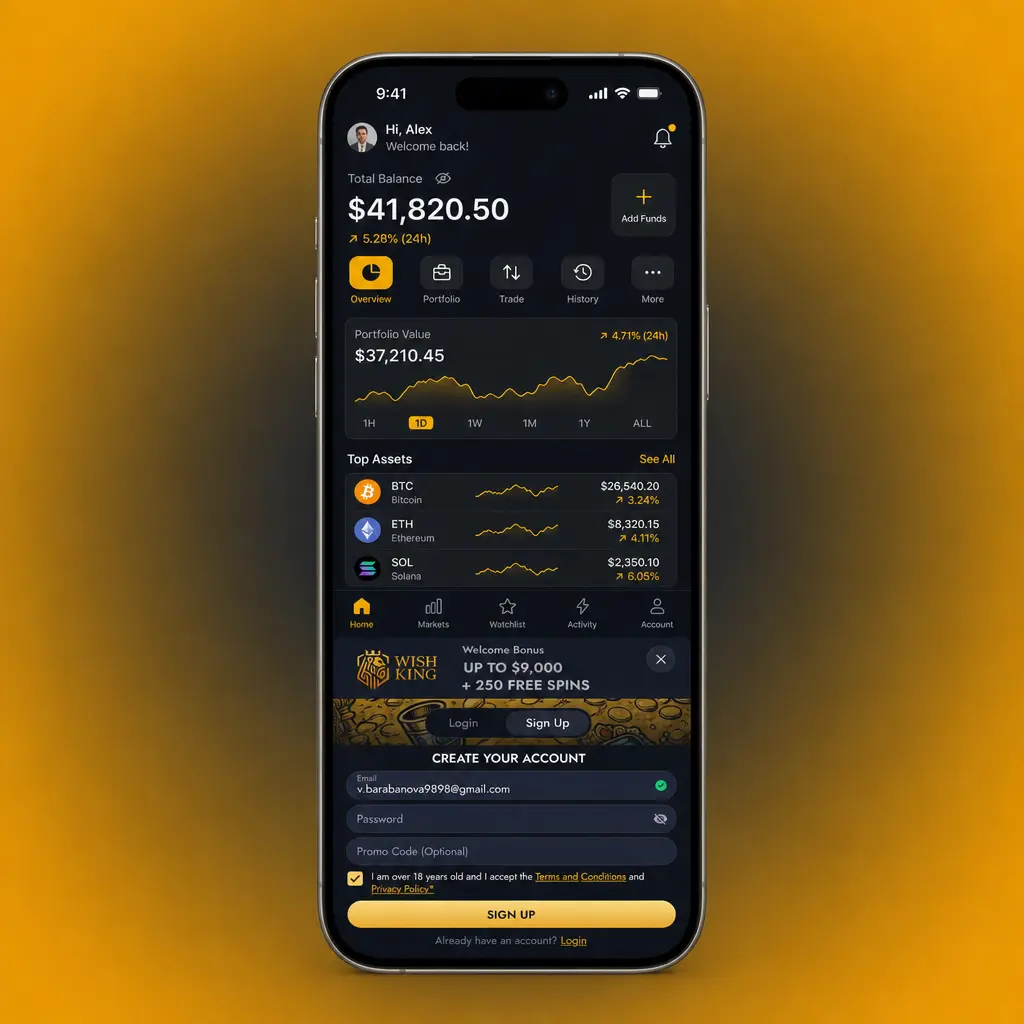
1. Register Your Account.
Click the Register button on this page and complete the form.
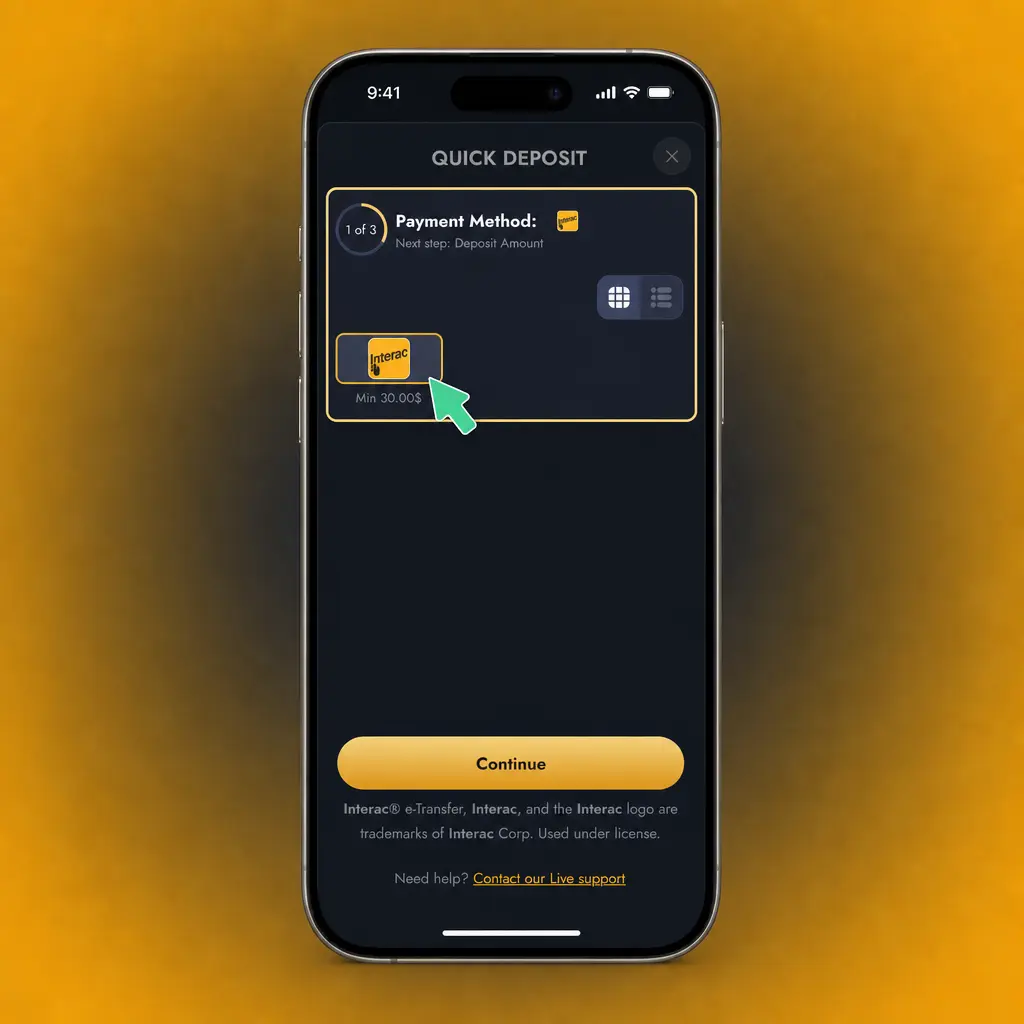
2. Make Your First Deposit.
Fund your account with at least 20 USD using an available payment method.
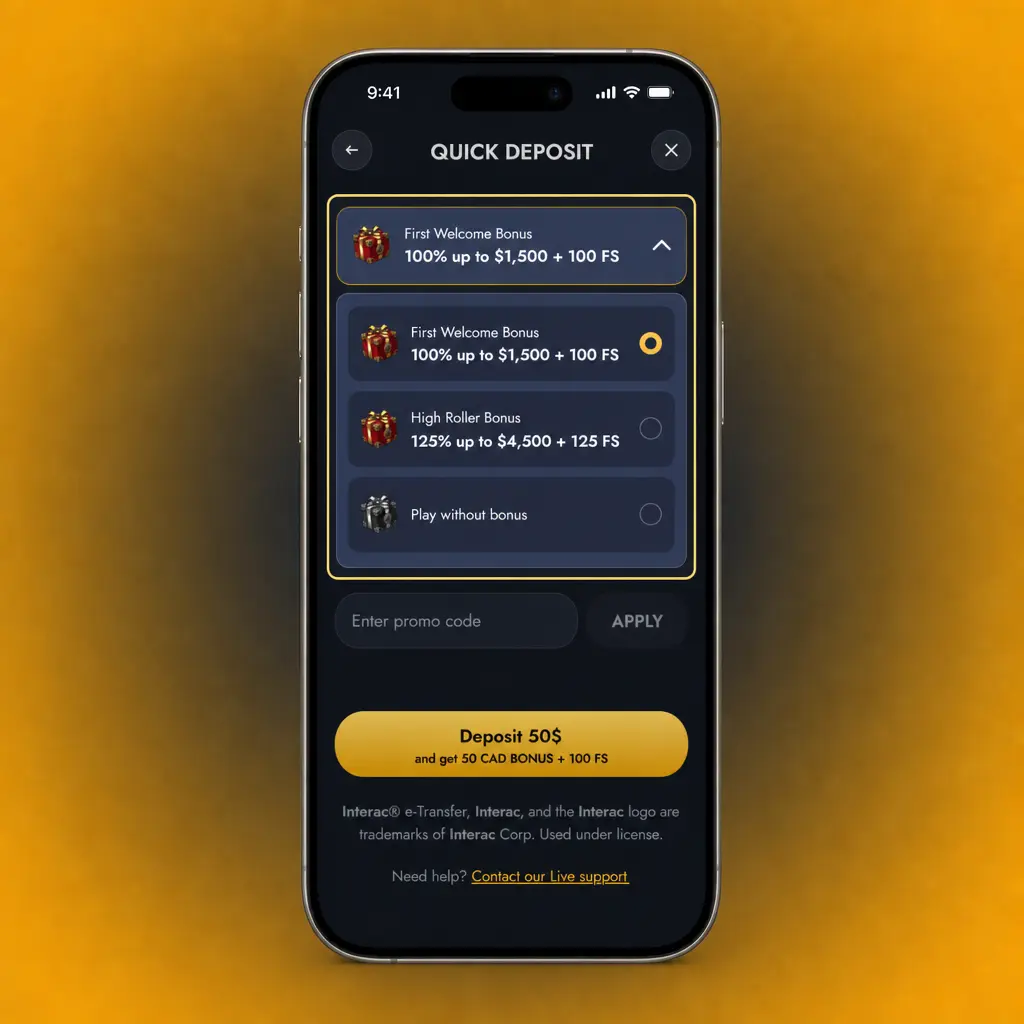
3. Opt In to the Offer.
Select the 100% bonus during deposit or from the Promotions tab.
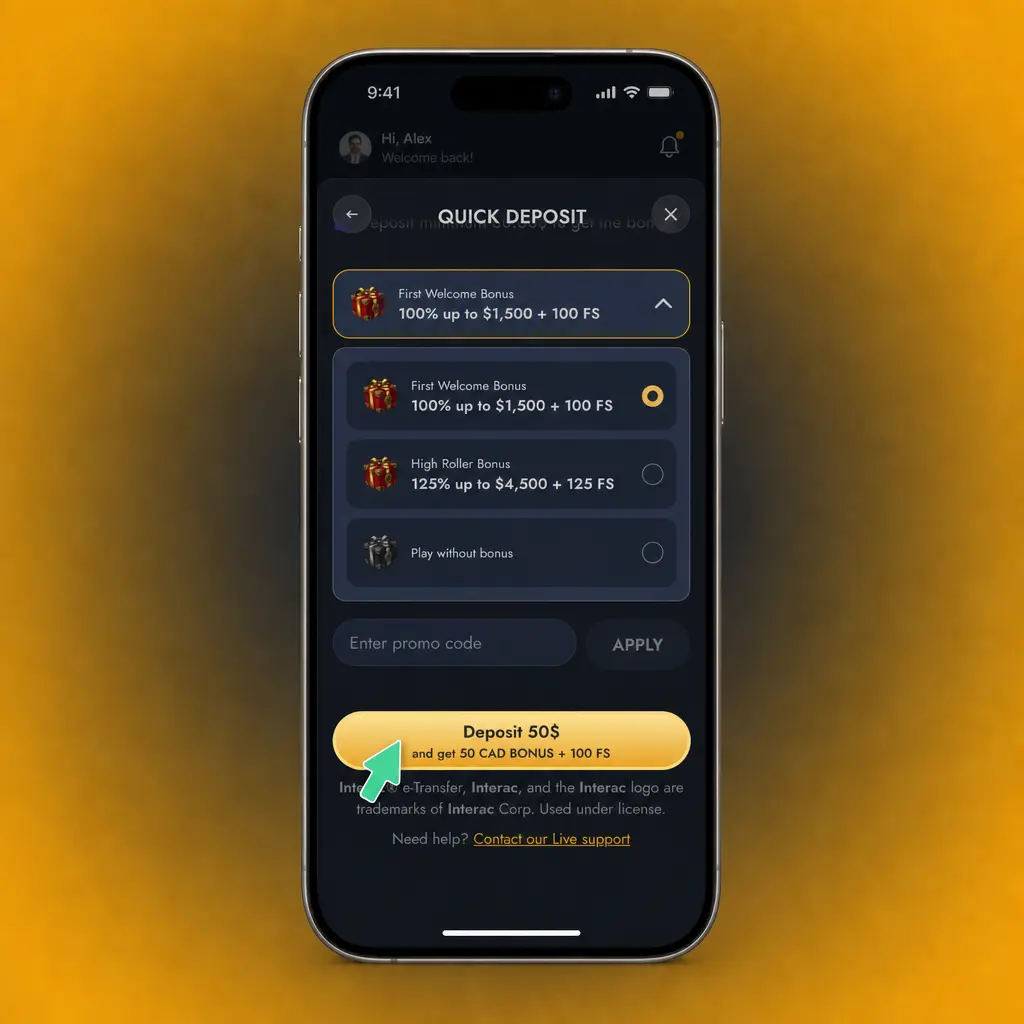
4. Start Playing.
Use your bonus funds and free spins on eligible slots or qualifying sports markets.
Common WishKing Registration Problems and Solutions
Most sign up issues resolve quickly with the right fix. Contact support if a problem continues after these fixes.
- Email already registered; use the password recovery tool or contact support to check for a duplicate account;
- Verification document rejected; resubmit a clear, colored scan of your ID with all four corners visible;
- Bonus not applied; opt in before your first deposit or contact live chat to apply it manually;
- Account locked after failed login attempts; reset your password through the Forgot Password link;
- Age verification failure; confirm your birth date matches your official ID document.
Reset Your WishKing Password
A forgotten password takes a few minutes to reset through the login page.
- Click Forgot Password on the login page.
- Enter the email address or phone number linked to your account.
- Choose a recovery method: an email link or an SMS code.
- Enter the code and set a new password.
- Log in with your updated credentials.
Close or Delete Your WishKing Account
Players request account closure for reasons including a break from betting or a permanent decision to stop. Support handles every request directly.
- Contact support through live chat or email to request account closure.
- Confirm your identity by answering security questions or providing your account ID.
- Choose between temporary self-exclusion or permanent deletion.
- Receive confirmation once the account closes, typically within 48 hours.
FAQ
Which payment methods can I use on WishKing?
Deposit and withdraw with Visa, Mastercard, Skrill, Neteller, or Bitcoin. Card deposits process instantly.
Is the mobile app available for iPhone and Android?
Yes. Download it from this website; the WishKing app carries the full casino and sportsbook catalog on both platforms.
What is the minimum deposit to open an account?
The minimum deposit is 10 USD for most payment methods, and 20 USD to qualify for the welcome bonus.
How long do withdrawals take to process?
Digital wallets pay out within 24 hours. Card withdrawals take up to 3 business days.
Can I change my account currency after signing up?
No. Contact support before your first deposit to set a different account currency.
Updated: